
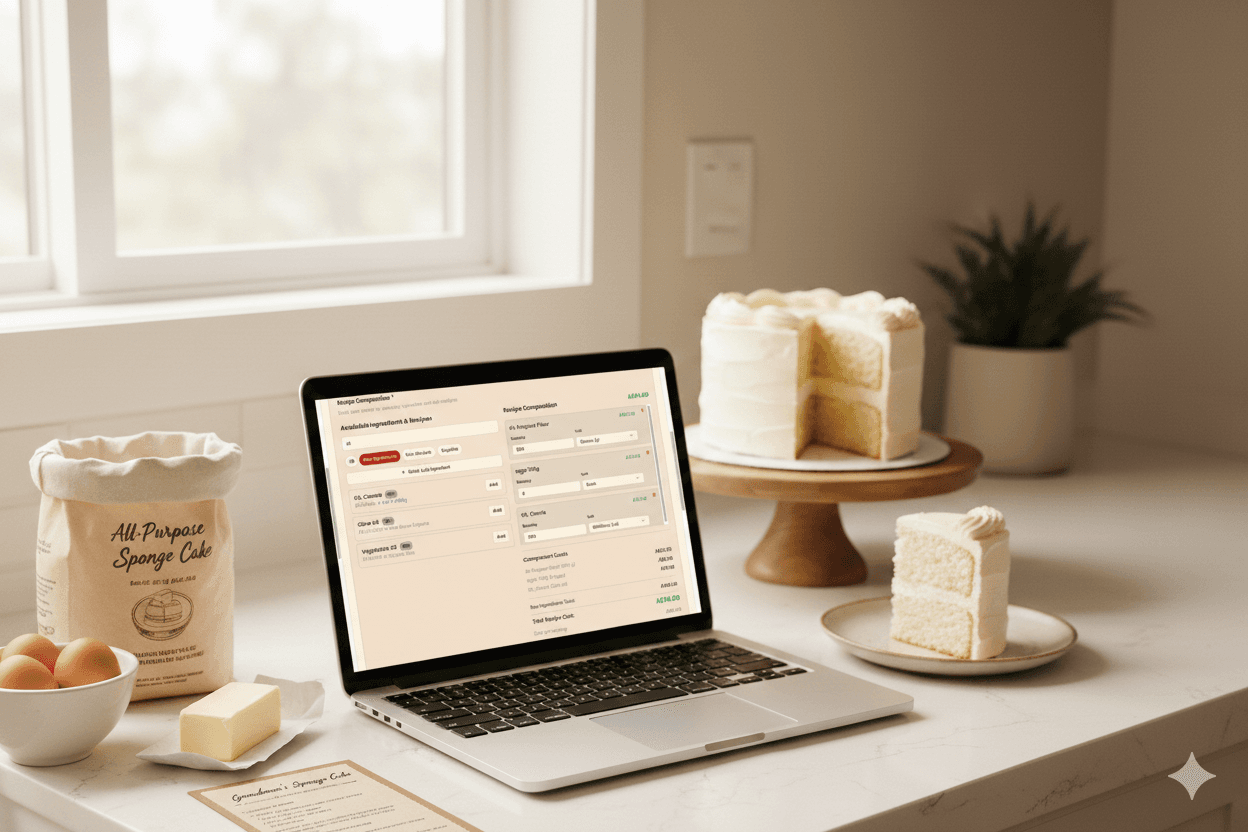
BakeSuite's Kitchen module is where you build your costing foundation: you add ingredients and supplies in the units you actually use, then add recipes. Kitchen uses that data to calculate recipe cost and cost per serving automatically—so you can price cakes without redoing the maths every time.
The flow in a nutshell
- Step 1: Add your ingredients and supplies (you can fast-import from a list or file).
- Step 2: Add your recipes (paste text or upload a recipe PDF—Smart Fast Recipe matches ingredients and fills the recipe for you).
- Step 3: Use the recipe cost and cost per serving Kitchen shows you, plus labour and overhead, to set your price.
Step 1: Add your ingredients and supplies
Kitchen is the single source of truth for what you use and what it costs. Everything you put in recipes (flour, butter, eggs, flavourings) lives in Ingredients. Packaging, boards, ribbons, and other non-ingredient items live in Supplies. Both feed into recipe costing and per-serving maths.
Where to go: Open Kitchen from the sidebar, then choose Ingredients or Supplies.
Fast import: ingredients and supplies from a list
You don't have to type everything one by one. Use Bulk Import to bring in many items at once:
- Ingredients: On the Ingredients page, open Bulk Import. Paste a list or upload a CSV or Excel file. BakeSuite will try to detect columns (name, cost, purchase size, unit, supplier, category). You can map columns if needed, fix any rows, then import. New ingredients are added to your Kitchen; you can skip or update duplicates.
- Supplies: On the Supplies page, use Bulk Import the same way: paste or upload a file, map columns (name, cost, unit, category, supplier, etc.), review, and import. New supplies are added to Kitchen; duplicates can be skipped or updated.
Use the units you use in recipes (grams, cups, kg, each—whatever you prefer). Keeping units consistent in Kitchen and in recipes means costing stays accurate. You can add cost per purchase size and optional conversion factors so Kitchen can convert between units when calculating recipe cost.
Step 2: Import your recipes
Once your ingredients (and supplies, if the recipe uses them) are in Kitchen, add the recipe. Smart Fast Recipe lets you import quickly instead of typing every line:
- Upload a recipe PDF — BakeSuite extracts text, parses recipe name, servings, ingredients, and instructions.
- Or paste recipe text — Same parsing: list ingredients in an INGREDIENTS section and steps in an INSTRUCTIONS section for best results.
After parsing, you'll see a list of parsed ingredients. For each one, map it to an existing Kitchen ingredient (dropdown/search). If something isn't in Kitchen yet, you can add it as a new ingredient from there. When every line is mapped, you can bring the recipe into the recipe form—pre-filled and ready to save.
Where to go: Kitchen → My Recipes (Recipes dashboard) → Upload PDF Recipe (or the option to paste text). Complete the mapping step, then save the recipe. It will use your Kitchen ingredients and their costs for costing.
Recipe cost and cost per serving
For each recipe, Kitchen calculates total recipe cost from the ingredients (and supplies) and their quantities, using your stored costs and unit conversions. It then divides by the number of servings (or yield) to give you cost per serving. You'll see these on the recipe—when editing, in the recipe list, and on the recipe detail page.
Use cost per serving (or per unit) to know the true cost of every slice or portion. Then add labour, overhead, and your margin to set your selling price. The Overhead Calculator (in BakeSuite) helps you factor in utilities and shared costs so your price covers your work.
Quick reference: pricing with Kitchen
- Ingredients & supplies — Add in Kitchen (manual or Bulk Import). Use your real units and costs.
- Recipes — Add via Smart Fast Recipe (PDF or paste), map ingredients to Kitchen items, save.
- Recipe cost — Shown per recipe; includes ingredients (and supplies) from Kitchen.
- Cost per serving — Recipe cost ÷ servings; use this plus labour and overhead to price cakes.
- Consistency — Keep units the same in Kitchen and in recipes so costing stays accurate.
Ready to start? Open Kitchen → add or Bulk Import your ingredients and supplies → then Upload PDF Recipe or paste a recipe, map ingredients, and save. You'll have recipe cost and per-serving cost in one place so you can price your cakes with confidence.